Identify the Best Browser Games and How WebGL Makes Them Possible
You're wasting time. Not because browser games aren't worth playing — they absolutely are — but because the signal-to-noise ratio in the web gaming space is catastrophic.
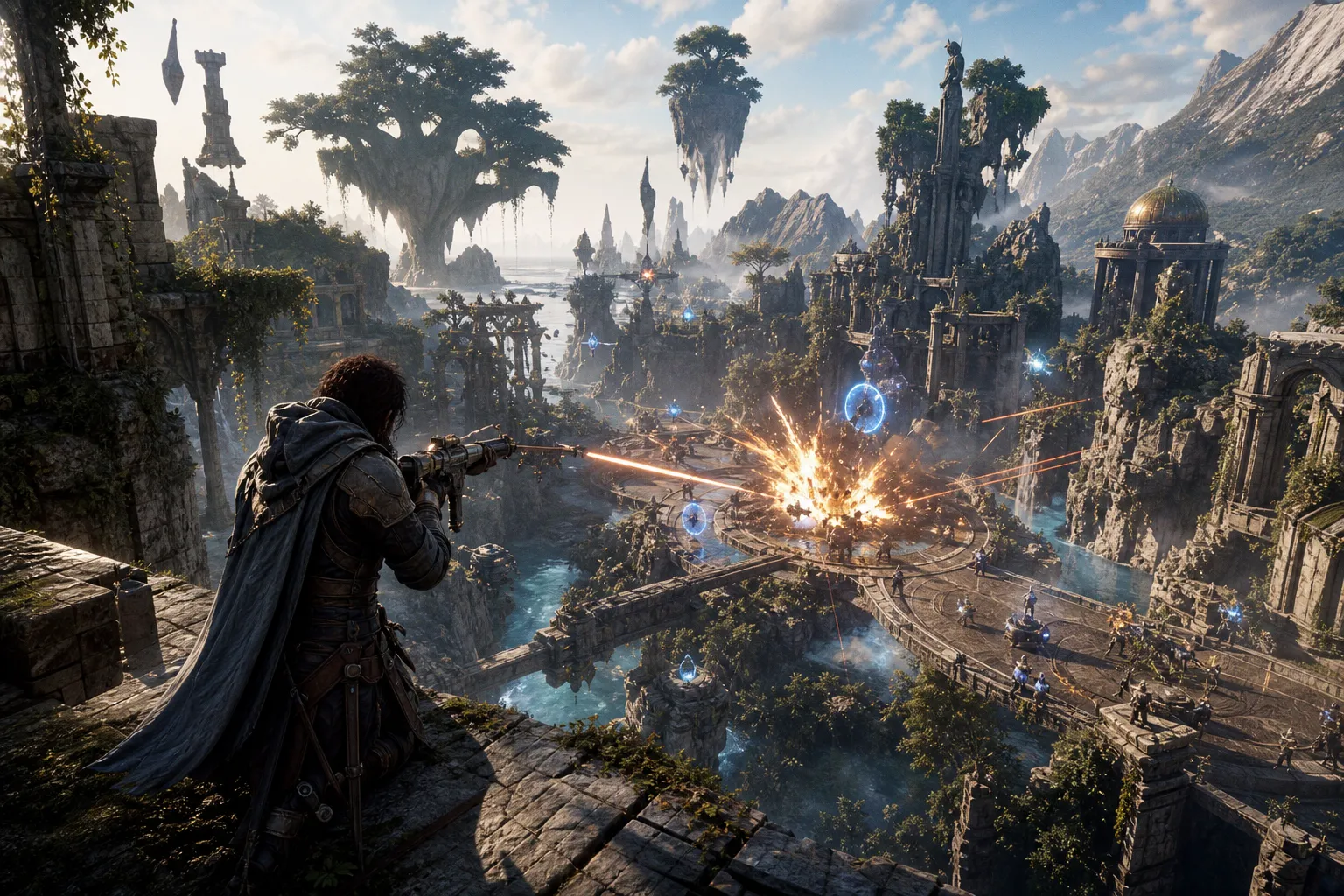
The landscape shifted permanently when Adobe Flash reached end-of-life on December 31, 2020. What replaced it wasn't a single technology but a stack — WebGL 2.0 for graphics, WebAssembly for logic, GLSL shaders for visual fidelity — that collectively eliminated the need for plugins and handed developers direct GPU access through the browser. Understanding this stack isn't academic curiosity. It's the fastest way to filter the best browser games from the landfill, because the titles that harness these tools properly are the ones that actually play like games worth your session time.
Beyond Flash: How WebGL 2.0 Unlocked Direct GPU Access
Flash was a compromise dressed as a solution. It required a plugin, introduced security vulnerabilities, and topped out at rendering performance that would embarrass a 2005 mobile game. WebGL — released in its 1.0 specification on March 3, 2011, and built on OpenGL ES 2.0 — changed the economics entirely by giving JavaScript direct access to the device's GPU without installing anything. No plugin. No middleware. No permission prompts. Just open a browser tab and the hardware starts drawing.
For related context, see Consumer tech and gadget reviews: how-to and fixes, buying guides, apps and software,.
For related context, see King: The Impact of Mobile Games in Europe in 2025 - sponsored by PWN Games.
WebGL 2.0, which landed on January 17, 2017 and is based on OpenGL ES 3.0, pushed the ceiling significantly higher. The jump introduced transform feedback, instanced rendering, and multiple render targets — features that sound like checkbox items until you realize they're what allow a browser game to render hundreds of independent objects with unique physics states simultaneously. That's the difference between a top-down shooter with five enemies on screen and one with fifty.
WebGL 2.0 didn't just replace Flash. It made the browser a legitimate gaming platform by giving developers the same GPU pipeline that native applications use — no downloads, no plugins, no excuses.
By early 2022, every major browser — Chrome, Firefox, Safari, Edge — had confirmed full WebGL 2.0 support. The Khronos Group, the consortium that maintains the specification, made the announcement on February 9, 2022. That's effectively universal coverage: roughly 99% of active browser installations can run WebGL 2.0 content today. If you're evaluating a browser game that still targets WebGL 1.0 or, worse, relies on Canvas 2D rendering, you're looking at a title that either predates the modern stack or hasn't invested in optimization. Either way, it's a red flag for performance ceiling.
Here's the practical takeaway for players: when you open a game and it runs smoothly — no stuttering, no resolution drops, consistent frame delivery — you're almost certainly seeing WebGL 2.0 at work. The technology is invisible when it's done right, which is exactly the point. You shouldn't have to think about the rendering pipeline. You should be thinking about your next move.
Low Latency and 60 FPS: The Tech Behind Krunker and Shell Shockers
Let's talk about what actually matters when you're playing: frame rate and input latency. These aren't abstract performance metrics. They're the difference between landing a headshot in Krunker.io and watching your opponent rubberband through a wall. The standard target for smooth browser gameplay is 60 frames per second, and achieving that consistently in a browser tab — with multiple players, dynamic lighting, and physics calculations running simultaneously — requires every part of the stack to be optimized.
Krunker.io is the benchmark here. It's widely cited as one of the best browser-based FPS games, and for good reason: the high-speed WebGL rendering pipeline delivers the fast-paced movement and low latency that the genre demands, all without a single download. The game's renderer is lean by design — pixel art textures, minimal post-processing, aggressive draw-call batching — which means the GPU spends its cycles on frame delivery rather than visual fluff. That's a deliberate min-max decision by the developers, and it pays off in gameplay responsiveness.
Shell Shockers takes a different approach to the same problem. The egg-themed FPS uses slightly heavier rendering with more detailed environments, but compensates with careful level geometry that keeps the draw-call count manageable. The result is a game that looks more visually polished without sacrificing the 60 FPS target on mid-range hardware — including most laptops running integrated graphics.
| Performance Factor | Krunker.io | Shell Shockers |
|---|---|---|
| Rendering Approach | Pixel-art, minimal shaders | Moderate detail, careful geometry |
| Typical Frame Rate | 60 FPS stable (most hardware) | 60 FPS on mid-range+ hardware |
| Input Latency | Extremely low — optimized netcode | Low — slightly heavier frame budget |
| GPU Load Profile | Lean — prioritizes frame delivery | Moderate — balanced visual fidelity |
| Entry Barrier | Zero — instant play in any tab | Zero — instant play in any tab |
The key insight is that "best browser games" doesn't mean "best-looking browser games." It means titles where the developers made intelligent trade-offs between visual fidelity and performance delivery. A game that looks gorgeous but drops to 24 FPS during a firefight is failing at its primary job: being playable. Both Krunker and Shell Shockers pass this test because their teams understood that in a browser context, frame rate is ROI — every millisecond of latency you shave translates directly into player retention.
Synergizing WebAssembly with GLSL for Complex Game Logic
Graphics alone don't make a game. You need logic — collision detection, AI pathfinding, inventory systems, network synchronization — and running complex logic in JavaScript is like trying to fill a swimming pool with a garden hose. It works, but it's painfully slow for anything beyond simple mechanics.
This is where WebAssembly enters the equation. WASM allows developers to compile game logic written in C++, C#, or Rust into a binary format that runs in the browser at near-native speeds. Unity, the most widely used game engine in the indie and browser space, outputs to WebAssembly by default. That means a developer can write their entire game in C#, compile it to WASM, render it through WebGL 2.0, and deliver a fully featured title that runs inside a browser tab with performance characteristics that would have been science fiction five years ago.
The shader side matters equally. WebGL programs consist of two code streams: control code in JavaScript (or WASM) and shader code written in GLSL — the OpenGL Shading Language — which executes directly on the GPU. GLSL handles the visual pipeline: vertex transformations, fragment coloring, lighting calculations, post-processing effects. When a browser game features real-time shadows, reflections, or particle systems running smoothly, GLSL is doing the heavy lifting.
The WebGL + WASM stack is the reason browser games can now compete with lightweight native titles. The graphics card does the rendering, WebAssembly handles the logic, and you get the whole package in a tab.
What this means practically for you as a player evaluating the best browser games: if a title feels mechanically complex — if it has deep crafting systems, responsive AI, or smooth multiplayer networking — the developers are almost certainly running WebAssembly for the game logic and GLSL shaders for the visuals. Titles that feel shallow, jerky, or mechanically simplistic are often still running everything through vanilla JavaScript with Canvas 2D rendering. The tech stack is the tell.
Modern Browser Masterpieces: From Mirage Online Classic to Townscaper
With the technical foundation established, let's talk actual titles. The best browser games in 2025 span genres, but they share a common trait: they leverage the modern WebGL + WASM stack to deliver experiences that respect your time rather than wasting it.
Mirage Online Classic is a browser-based MMORPG — and yes, you read that correctly. Running a persistent multiplayer RPG in a browser tab sounds like a recipe for latency nightmares, but the game uses efficient netcode and WebGL rendering to deliver a functional MMO experience with character progression, PvP, and guild systems. It's niche, but it proves the ceiling for browser games is far higher than most players assume.
Shell Shockers we've already covered from a technical perspective, but the gameplay merits separate discussion. The egg-themed FPS is genuinely competitive — movement mechanics have depth, weapon balance gets regular updates, and the community is active enough that you'll find populated servers at any hour. The ROI on your time here is solid if you're looking for quick-session competitive play.
GeoGuessr operates in a completely different space. It's an educational skill game that drops you into Google Street View locations and asks you to identify where you are. The browser rendering here isn't pushing GPU limits, but the application architecture — seamless map loading, scoring algorithms, multiplayer modes — demonstrates what's possible when developers optimize for responsiveness over visual spectacle. It's one of the best browser games not because of its graphics but because of its design.
Townscaper is the sandbox outlier. There's no score, no objective, no progression loop. You click on a grid and buildings materialize with satisfying procedural generation. The WebGL rendering handles the water reflections, the shadow casting, and the color grading with an elegance that belies its simplicity. It's proof that the best browser games don't need complex mechanics — they need a tight feedback loop and polished execution.
Here's a quick priority list for players who want to cut through the noise and get straight to quality:
1. Krunker.io — The FPS benchmark. If you care about mechanical skill and frame-rate consistency, start here. The time-to-fun ratio is unmatched in browser shooters.
2. Shell Shockers — The accessible alternative. Lower skill floor than Krunker, still delivers solid 60 FPS competitive play.
3. GeoGuessr — Best-in-class for skill-based, non-action gameplay. Addictive knowledge loop with genuine educational value.
4. Townscaper — The palate cleanser. Zero stress, pure creative sandbox, technically flawless browser rendering.
5. Mirage Online Classic — For the MMO-curious player who wants persistent progression without a client download.
Each of these earns its spot not through hype or marketing budget but through mechanical substance and technical execution. They run because the developers made the right architectural choices — WebGL 2.0 for rendering, WebAssembly for logic, GLSL for shaders — and those choices compound into experiences that feel native despite living in a browser.
The Universal Standard: Why 99% of Browsers Support Plugin-Free Gaming
The final piece of the puzzle is accessibility. A technically impressive game that only runs on Chrome with specific flags enabled isn't useful to the broader player base. WebGL 2.0's universal adoption — those roughly 99% of active browser installations we mentioned — solves this problem at the infrastructure level.
This wasn't accidental. The Khronos Group designed WebGL as an open, royalty-free standard specifically to avoid the fragmentation that plagued Flash. When Apple killed Flash on iOS, it created a walled garden. WebGL, by contrast, runs everywhere: desktop Chrome, mobile Safari, Firefox on Linux, Edge on Windows. The specification is maintained by an industry consortium with members including Google, Apple, Mozilla, Microsoft, and Intel. When those five companies agree on a standard, adoption isn't a question — it's a timeline.
For players, this means one critical thing: you don't need to worry about compatibility. If your browser is updated — and in 2025, browsers update automatically — you can run any WebGL 2.0 game. No plugins to install, no drivers to update, no platform-specific workarounds. Open the tab, play the game. The latest developments in browser gaming technology and consumer hardware continue to push this ecosystem forward, with newer devices offering better integrated graphics that raise the performance floor for all browser-based titles.
The caveat — and there's always a caveat — is mobile. While most modern mobile browsers support WebGL 2.0, some older or low-end devices struggle with compatibility and thermal throttling. If you're primarily a mobile browser gamer, your experience will vary more than desktop players'. High-end phones handle it fine; budget devices from three years ago may not.
TL;DR — Resource Priority for Finding the Best Browser Games
Here's the efficient path, distilled:
- Filter by tech stack. If a game doesn't run on WebGL 2.0 with WebAssembly, it's either legacy or under-optimized. Both are time-inefficient choices.
- Benchmark frame rate first. Open the game, play for two minutes. If you can't hold 60 FPS on a reasonable machine, close the tab and move on. Consistent frame delivery is non-negotiable.
- Evaluate mechanical depth, not visual polish. Krunker.io uses pixel art and plays better than most visually ambitious browser titles. The rendering is a means, not an end.
- Prioritize session ROI. The best browser games respect the "open tab, play immediately" promise. Any title that asks you to create an account before you've played a single round is adding friction that the technology explicitly eliminates.
- Trust the stack. WebGL 2.0, WASM, GLSL — this combination powers near-native experiences in your browser. The 99% browser support figure isn't aspirational; it's current reality. Your job is to find the games that use it well.
The browser isn't a compromise platform anymore. It's a first-class gaming environment that eliminates downloads, plugins, and installation friction entirely. The best browser games in 2025 aren't impressive "for browser games." They're impressive, period. You just have to know what to look for — and now you do.