Prepare Your PC Storage Before Downloading Flashpoint Ultimate
Flashpoint Ultimate is not a casual side project. It's a full archival mirror of the Flash and HTML5 web gaming era, and if you're eyeing the complete library, we're talking about a download that…
Flashpoint Ultimate is not a casual side project. It's a full archival mirror of the Flash and HTML5 web gaming era, and if you're eyeing the complete library, we're talking about a download that demands 700 GB to 800 GB of free, properly formatted disk space before you even hit "Install." That number does not include your operating system, your existing games, or any future updates. Get the storage prep wrong and the install fails halfway through—and a partial Flashpoint archive is worthless, since the custom launcher cannot reconstruct missing assets on its own.
Most people treat this download like any other piece of software. That approach costs hours. We've watched drive format errors, permission conflicts, and "I ran out of space at 73%" scenarios derail installs that should have been one-click. This guide eliminates those failure points upfront so the only thing you do after downloading is play.
The 200,000-Game Math: What You're Actually Committing To
The 700–800 GB headline number sounds abstract until you map it against what the library actually contains. BlueMaxima's Flashpoint isn't a curated set of "the top 500 Flash games"—it's an attempt to preserve 200,000+ titles, plus all the surrounding metadata, framework files, and emulator backends required to run them in an offline context.
Here's the rough breakdown of why the install is that large:
- Animation and vector assets. Flash titles from the late 2000s and early 2010s routinely shipped with hundreds of small
.swffiles, custom fonts, sound banks, and pre-rendered cutscene video. Multiply that across tens of thousands of titles and you get a chunk of storage no streaming solution can replicate. - HTML5 and Unity Web Player archives. This isn't a Flash-only project. A significant chunk of HTML5 canvases, WebGL experiments, and the now-deprecated Unity Web Player portfolio sits inside, each with its own dependency tree.
- Emulator frameworks. Ruffle, the Rust-based Flash emulator, lives alongside legacy standalone emulators for niche web platforms. These are not kilobytes—they're bundled runtimes for every supported API level.
- Metadata and index databases. The launcher needs a searchable index of the entire library. That index grows with every addition and currently lives in the same local install.
The download size grows over time. Whatever number you see today is a floor, not a ceiling—Flashpoint is a living archive.
Translation: allocate more than the minimum, not exactly the minimum. A drive that has exactly 800 GB free today will not have 800 GB free next month, and pulling 50 GB out of an active archive to free space is its own time sink.
NTFS Is Non-Negotiable for Flashpoint Ultimate
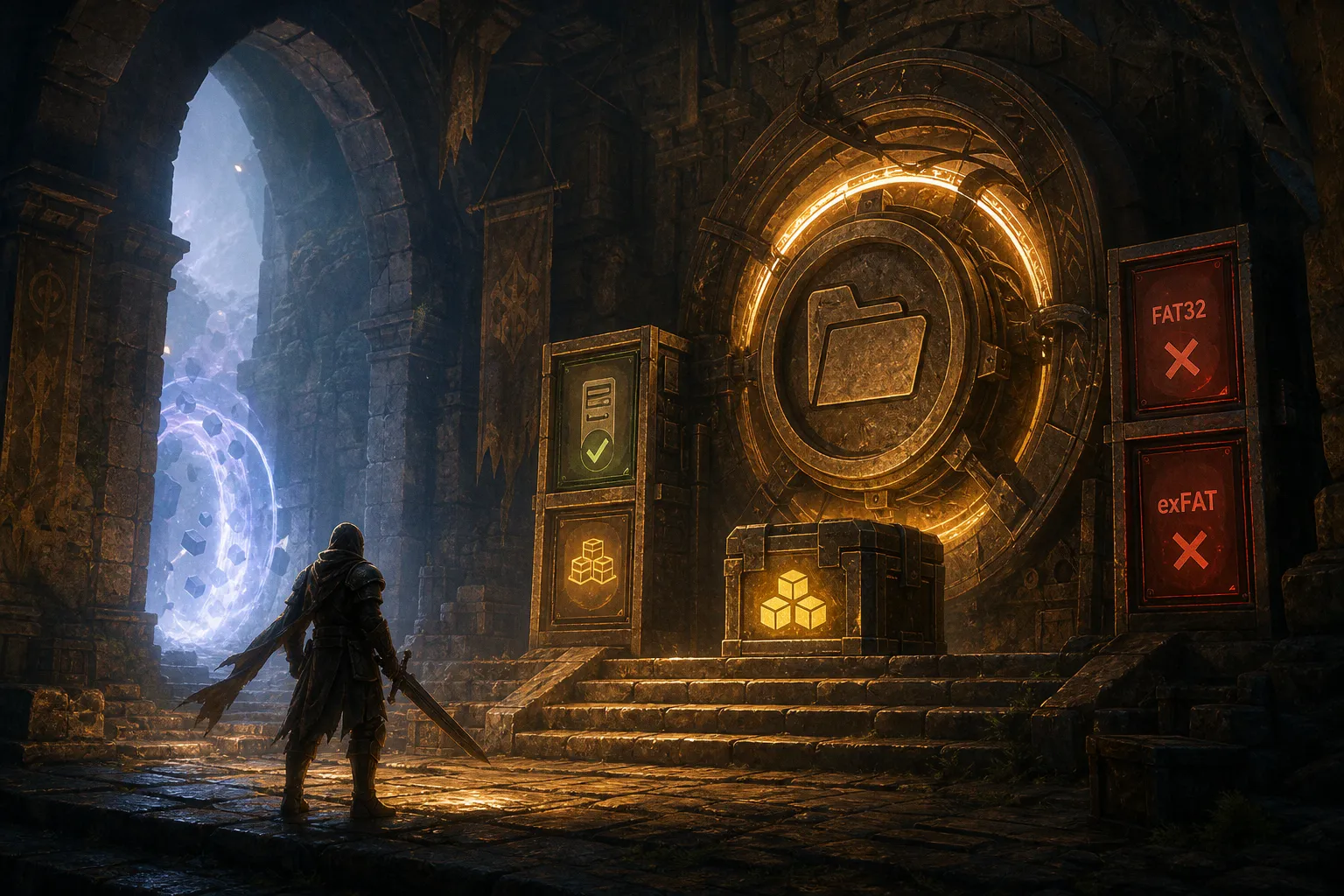
This is where most first-time installers hit a wall. Flashpoint Ultimate requires the destination drive to be formatted as NTFS. exFAT and FAT32 are explicitly unsupported.
The reason is mechanical, not arbitrary. FAT32 has a 4 GB single-file size limit—plenty of Flashpoint's bundled archives exceed this on their own. exFAT lifts that limit but still caps individual path lengths at a level that breaks some of the deep directory structures Flashpoint uses to separate multiplayer builds, language variants, and platform ports. NTFS removes both constraints cleanly.
If your target drive is currently exFAT or FAT32, you have two paths:
1. Reformat the drive. This wipes everything on it. Don't do this until you've moved all existing data elsewhere.
2. Use a different drive. A second internal SSD, a free partition, or even a dedicated external SSD (formatted NTFS from the factory or freshly converted) all work.
Casual installers often ask: "Can I just install it on my external SSD?" Yes—but only if that external drive is NTFS. A factory-formatted exFAT external SSD will fail silently or partway through with cryptic launcher errors that have nothing to do with the actual problem.
| File System | Single-File Limit | Path Length Limit | Flashpoint Ultimate Compatibility |
|---|---|---|---|
| NTFS | 16 TB (practical) | 32,767 chars | ✅ Required |
| exFAT | 16 EB (practical) | 255 chars per component | ❌ Path-length failures |
| FAT32 | 4 GB | 255 chars per component | ❌ Single-file size failures |
Run a quick check before downloading: right-click your target drive in File Explorer, hit Properties, and confirm the File system line reads "NTFS." If it doesn't, stop here and address that first.
Directory Placement: Avoid the Program Files Trap
Flashpoint's custom launcher is not a sandboxed Windows Store app. It reads and writes freely inside its install directory, logs errors to a local folder, and registers its own support services. That behavior conflicts directly with Windows' protection of system directories, and placing the install inside C:\Program Files or C:\Program Files (x86) is a known failure mode.
Symptoms include:
- Launcher opens but cannot locate games, even after a successful "download complete" message.
- Save data writes fail silently; you lose progress between sessions.
- The launcher requests admin elevation on every launch, then fails anyway.
Pick a path that doesn't require elevated permissions. A second drive, a dedicated partition, or a user-owned folder at the root of your main drive (think D:\Flashpoint\ or C:\Games\Flashpoint\) keeps the install legible to the launcher and trivial to back up. The goal is a location you fully control, where the OS won't silently block writes.
Also worth doing before the install: disable real-time scanning on the install folder in whatever antivirus you run. Windows Defender, in particular, will occasionally quarantine Ruffle's runtime DLLs, which kills the launcher on first boot. Whitelist the folder ahead of time and save yourself a 20-minute debugging session.
Flashpoint Ultimate vs. Infinity: The Rational Storage Tier
This is the decision most prep guides skip, and it's the one with the highest ROI. Flashpoint ships in two distinct flavors, and the full 700–800 GB archive is only one of them.
Flashpoint Ultimate is the complete offline mirror. You download everything, you own everything, you can launch any title without an active connection. Total cost: the storage. Benefit: zero network dependency after install.
Flashpoint Infinity is the streaming variant. It downloads a lightweight launcher plus a small bootstrap set of metadata, then pulls game assets on demand when you launch a title. The initial footprint is dramatically smaller—we're talking a few hundred megabytes to a couple of gigabytes. Trade-off: every game you play hits the network to fetch its assets the first time.
| Parameter | Flashpoint Ultimate | Flashpoint Infinity |
|---|---|---|
| Initial install size | 700–800 GB | ~1–2 GB |
| Storage growth | Continuous as archive grows | Cached assets accumulate over time |
| Network required to play | No | Yes (first launch per game) |
| Best for | Offline archival use, low-bandwidth areas, long-term curation | Limited disk space, strong internet, casual browsing |
If you have an NTFS drive with 800 GB+ free and reliable local storage, Ultimate is the correct pick—it's the canonical preservation tool, and the offline nature makes it genuinely future-proof. If you're on a 512 GB laptop or an external SSD you also use for other projects, Infinity is the right call. The "right call" here is whichever setup matches your actual disk resources, not whichever option sounds more impressive.
Choose the tier that fits your real storage, not your aspirational storage. A half-finished Ultimate install is worse than a working Infinity setup.
Pre-Download Audit: What to Verify Before You Click
Before pulling the trigger on a multi-hundred-gigabyte download, run through this audit. Each item is a known failure point that wastes hours if you hit it mid-install.
- Confirm the target drive is NTFS. Properties pane on the drive, File system line. Anything other than NTFS, address it first.
- Confirm at least 850–900 GB free. The 700–800 GB requirement is the install footprint, not the operating cushion. Leave yourself headroom for cache, save data, updates, and other software using the same drive.
- Confirm the install path is outside
Program FilesandProgram Files (x86). Pick a dedicated folder on a non-system drive or partition whenever possible. - Whitelist the install folder in your antivirus. Do this before the first install, not after the first crash.
- Decide between Ultimate and Infinity honestly. Measure your actual free space, not what you'd "ideally" have. The right answer might be Infinity.
If all five pass, you're clear to launch the installer. If any fail, fix that specific item first. The classic mistake here is treating the download as the bottleneck—it's not. The download is fast. The recovery from a bad install is what eats your evening.
Resource Priority: Where Your Time Actually Goes
Most of the install time lost to Flashpoint comes from people skipping the audit above. The actual download is bandwidth-bound and reasonably quick on most modern connections; the failure recovery is what costs the better part of a day when something goes sideways.
Priority order:
1. Drive format. NTFS or nothing. This trumps everything else.
2. Free space. Real free space, measured today, not estimated.
3. Install location. Outside protected directories, on a drive you control.
4. Tier choice. Ultimate if and only if you can sustain it; otherwise Infinity, without guilt.
5. Antivirus exclusion. Set it up before the install kicks off.
That sequence is the same ROI-first reasoning we apply to any long-term resource commitment—whether it's storage, time, or capital. Pre-plan the foundation so the rest of the system runs on autopilot. The same allocation logic shows up in how people approach passive income streams, from dividend portfolios to rental cash flow: spend an hour on the structural setup now, save dozens of hours of reactive maintenance later.
Get the storage prep right, and Flashpoint becomes a set-and-forget offline library you can dip into for years. Get it wrong, and you'll know on day one.