Redeem Free Gacha Rewards Using Discord Account Integration
Ever fire up a new gacha game, see that "Link Discord" button glowing in the corner, and wonder if it's just a flashy gimmick? I get it. You're here to play, not manage a digital social calendar.
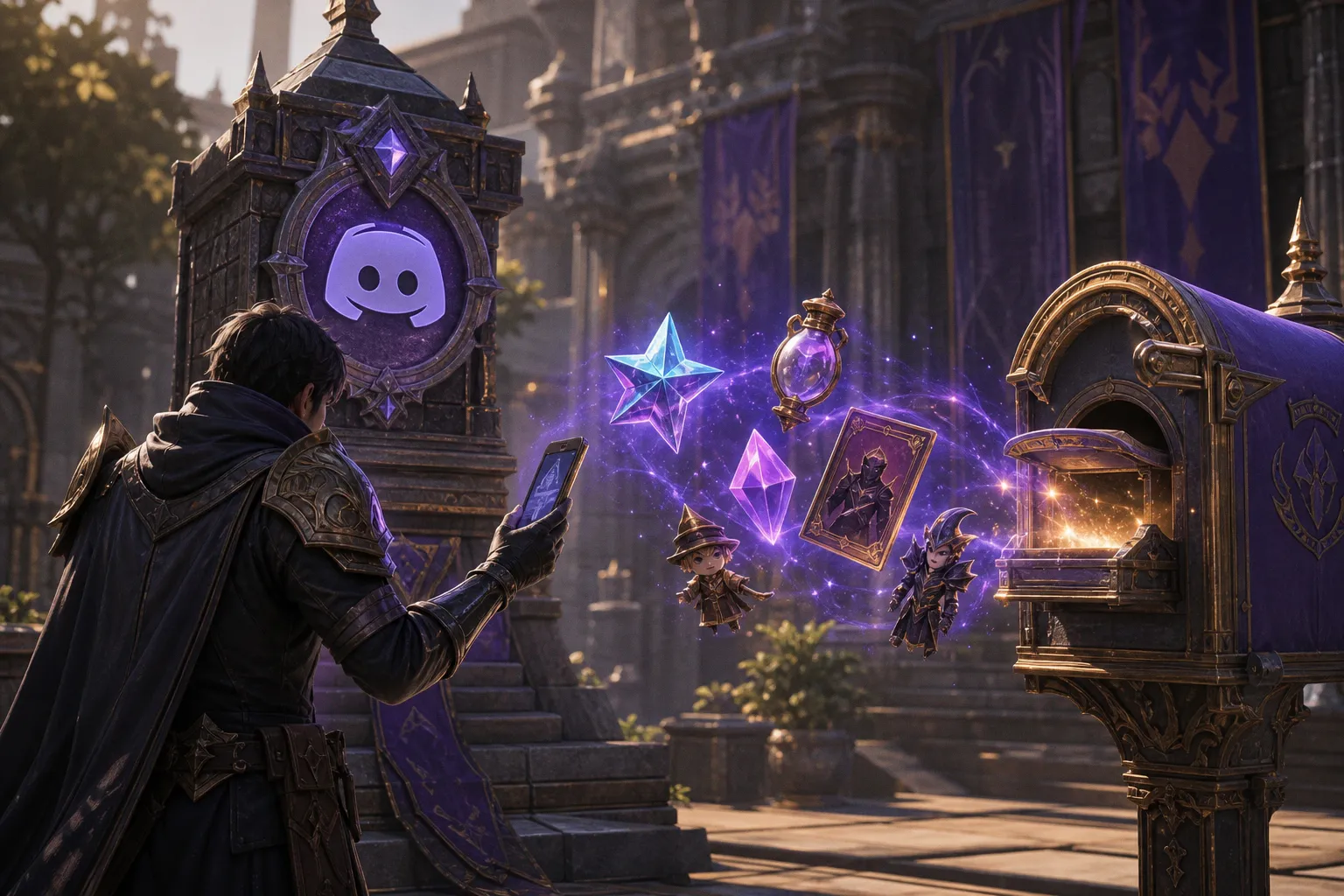
The OAuth2 Handshake: How Games Talk to Discord
Before we dive into the clicks, it helps to understand the "how." This isn't some shady backdoor connection; it's a standard, secure protocol called OAuth2. Think of it like a hotel key card. You're telling Discord, "Hey, this game I trust needs to know my name and face to give me a gift." Discord then issues a temporary, limited-access token—a digital key card—that lets the game verify your account without ever seeing your Discord password. The game gets just enough info (your username, avatar, and a unique ID) to confirm you are who you say you are and deposit those shiny rewards.
This industry-standard handshake is why the process feels so fluid across hundreds of free-to-play MMOs and gacha titles. The developers aren't reinventing the wheel each time; they're plugging into a universal, trusted method.
Finding the Link: Your First Stop in Game Menus
You will notice the integration hub rarely hides in obscure sub-menus. Game developers want you to find it, so they place it where you'll intuitively look.
Your primary target is the user profile or account settings. This is the virtual equivalent of your character's permanent record card. Here's the typical flow you'll encounter:
1. Launch the gacha game on your device.
2. Tap on your profile icon or avatar, often in the top corner of the main screen.
3. Look for a tab or button labeled "Account," "Settings," or "Link Accounts."
4. Within that section, scan for the distinctive Discord icon or a button that explicitly says "Link Discord."
If it's not there, your next best bet is a dedicated "Events" or "Community" banner. Sometimes, a limited-time link to Discord rewards is promoted as an event itself, making the button impossible to miss on the home screen.
The Authorization Flow: A Guided Tour
Once you tap that link, the game doesn't just magically connect. You'll be guided through a quick, standardized authorization flow. Here's what to expect, step by step.
A pop-up window will appear, typically within the game itself or by briefly switching you to a secure browser page. This window is Discord's official permission screen. It will clearly list:
- The name of the application (the game) requesting access.
- Exactly what data the game wants (e.g., "Username and Avatar").
- A reassurance that it will not ask for your password.
Your job is simply to read this and click "Authorize." That's the green light. The game then uses that token to verify you, and the connection is made. You'll usually be bounced back to the game's account settings page, where the "Link Discord" button now proudly displays "Connected" or shows your Discord username.
That single "Authorize" click is the OAuth2 handshake in action—your permission slip that lets the game verify your identity without ever touching your Discord login credentials.
Claiming the Goods: From Mailbox to Inventory
So, you've linked the accounts. Now, where are the goods? The delivery method varies slightly, but you'll almost always find your rewards in one of two places.
The In-Game Mailbox: This is the most common and direct path. Exit the settings menu and navigate to your in-game mail system—it's often represented by an envelope icon. The rewards will be sitting there, ready to be claimed. They're usually delivered automatically within a few minutes, though the official window can be up to 24 hours. The message will often thank you for connecting your Discord account and detail the contents.
The Official Website Dashboard: Some larger titles manage their community rewards through a web portal. In this case, after linking, you might need to visit the game's official website, log in with your game account, and find a "Redeem" or "Claim" section. A specific reward might have its own "Claim" button here that triggers the delivery to your in-game mailbox.
The key is that the reward is tied to your game account, not just the session. Once claimed, those items are yours permanently.
Locking the Door: Essential Security Protocols
With great free loot comes great responsibility. The process is secure, but a few conscious habits will keep your accounts safe.
First, never, ever share your Discord token. Your Discord token is the master key to your account. Legitimate games and Discord never ask for it. The OAuth2 flow is designed so you never see or handle this token yourself. If any site or individual asks you to copy-paste a "token," it's a scam, full stop.
Second, bookmark the real thing. Always ensure you're authorizing through the game's official domain or the Discord app itself. The URL in the browser bar should be the game's official website (like play[game-name].com) or Discord's (.gg or discord.com). Avoid clicking links from unofficial emails or chat messages that promise bonus rewards for linking—go directly to the game yourself.
Beyond the Starter Pack: The Bigger Picture
Linking your Discord does more than just net you a one-time bonus. It's often the gateway to staying connected with the game's community. Many developers post exclusive codes, early patch notes, and event alerts in their official Discord servers. A linked account can sometimes give you access to exclusive Discord roles or channels, creating a direct pipeline to news and strategy. It's a way to weave your gameplay into a broader social fabric.
This same principle of secure, one-click connections extends across the digital landscape. You might use similar logins to streamline access to other services or even find travel deals on sites like Demediator.com, where integrated accounts can speed up booking processes and save preferences.
The Final Word: A No-Brainer for the Savvy Player
In the fast-moving world of free-to-play games, developers use these integrations to foster community and reward engagement. For you, the player, it's a low-effort, high-reward action. The security is robust, the process is standardized, and the loot is real. Next time you see that Discord icon, don't brush it off. Take thirty seconds, follow the authorization prompts, and check your mailbox. Your early-game experience will be noticeably smoother—and flashier—for it.
If you enjoy this kind of strategic advantage, exploring other browser-based arenas can be just as rewarding. For a different flavor of competitive play, you might want to see what's happening in the world of free battle royale or dive into the endless creativity of Roblox games.